
Hunter Ellis Professional Property Tools
UK Renovation & Extension Planner
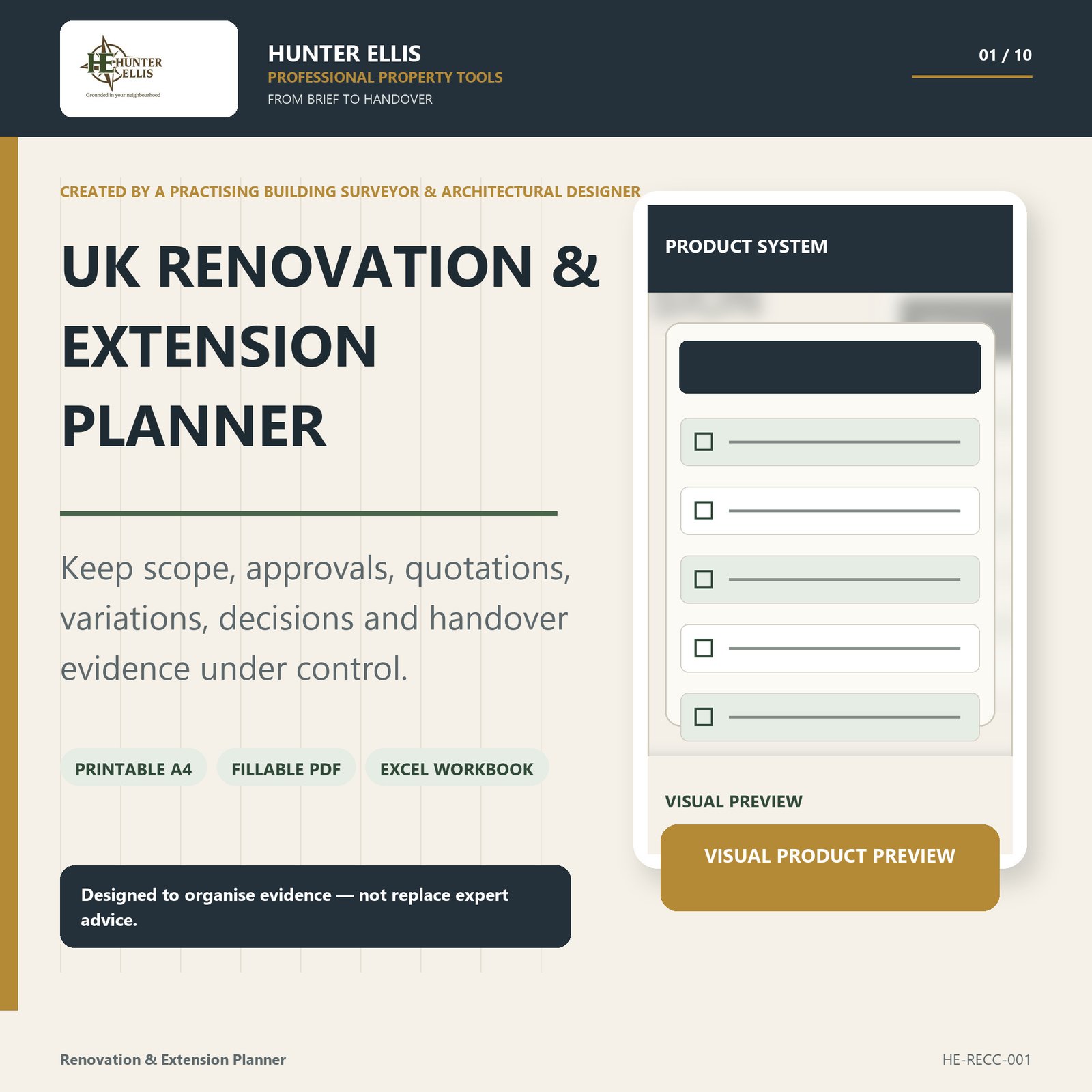
Control scope, approvals, quotations, variations, decisions and handover evidence. At the same time, keep the information gaps that create project cost and delay visible throughout the job.
£29.95 VAT included · Instant digital download · No physical item
- Printable A4
- Fillable PDF
- 16-tab Excel workbook
- Scope to handover
Who it is for
A clearer route from brief to handover
The planner is designed for UK homeowners planning or undertaking renovation or extension work who want one disciplined record across advisers, designers and contractors.
As a result, decisions, approvals, quotations and changes stay connected instead of becoming scattered across emails, messages and notes.
What makes it useful
- Defines the brief, roles, constraints and approval routes before pricing
- Compares quotations on scope, assumptions, VAT and programme
- Records decisions, information requests and proposed changes instead of relying on memory
- Makes the budget effect of entered variations visible
- Tracks hold points, payments and missing handover evidence
Inside the download
Exactly what you receive
The files work together as one coordinated project-control system. In addition, the download includes clear instructions, a personal-use licence and an exact manifest.
- 23-page printable A4 control pack
- 23-page fillable PDF
- 16-tab protected Excel workbook
- Project brief and roles
- Approvals register
- Quotation comparison
- Budget and programme
- Decision log
- Information-request tracker
- Variation tracker
- Handover evidence register
- Read-me, personal-use licence and exact file manifest
Digital format & compatibility
This is a digital download only, so no physical item is supplied. The customer ZIP contains printable A4 and fillable PDF files, an editable .xlsx workbook, instructions, a licence and an exact manifest.
Because PDF apps behave differently, test a short fillable entry, save it, close the file and reopen it before relying on the form.
Meanwhile, spreadsheet formula cells remain protected while designated working cells stay editable. The workbook totals the figures you enter, but it does not confirm whether a quotation, valuation or approval route is correct.
The PDFs are not represented as fully tagged accessible PDFs. Customer working files are supplied blank.
The method
Use it in four clear steps
- Set the project brief, scope version, roles and constraints.
- Confirm approval routes and responsibilities with the appropriate advisers.
- Use consistent references across quotations, information, decisions and variations.
- Track approvals, cost entries and handover evidence through to close-out.
In practice, this creates a clearer line from the original brief through to live-project decisions and final handover.
Professional authorship
Built from real surveying and design practice
Created by Mark Tutton BSc (Hons) MSc MRPSA ACABE — a practising building surveyor and architectural designer.
Mark holds a BSc (Hons) in Architectural Design & Technology and is MRPSA and ACABE. He also holds an MSc in Surveying (Building Surveying), awarded with Commendation by Northumbria University. The planner draws on a technical background spanning building surveying, defects, existing construction and architectural design.
However, Hunter Ellis does not claim endorsement by RICS, RPSA, CABE or another professional body through this product. Qualifications and memberships identify the author’s technical background rather than third-party approval of the planner.
Important professional boundary
An organiser — not a project-management appointment
These resources are organisational and educational aids. They do not inspect, diagnose, value, design, certify or approve a property.
Likewise, they do not provide legal, engineering, electrical, gas, fire-safety or other specialist advice. Therefore, obtain appropriately qualified property-specific advice before making financial, legal or safety decisions.
This planner does not administer a building contract, instruct contractors, certify work, manage the project or control site safety.
For the same reason, Hunter Ellis does not claim endorsement by RICS, RPSA, CABE or another professional body through this product.
Before you buy
Frequently asked questions
Does this replace an architect, surveyor or contract administrator?
No. Instead, it provides an organised homeowner record. Professional appointments, design, approvals, certification and contract administration remain separate.
Will it tell me which approvals I need?
No. It gives you a register for the route that the appropriate advisers and authorities confirm. Therefore, the planner records the decision rather than making it for you.
Can I compare builder quotations?
Yes. The tools help compare scope, assumptions, VAT, programme and exclusions on a consistent basis. As a result, differences between quotations are easier to spot.
Does the workbook validate quotations or valuations?
No. It totals figures that you enter. However, it does not confirm that a quotation, valuation, variation or approval route is correct.
Can project records be shared with my team?
Yes, where sharing supports the purchasing household’s own project. However, the licence does not allow reuse for client work, another household, resale or redistribution.
Professional Property Tools
Keep the project information connected
Control scope, approvals, quotations, variations, decisions and handover evidence. In addition, keep the budget and programme effects of changing information visible as the project develops.
Secure checkout and digital delivery are handled by Payhip.